

We’re adding more options to Account Settings over time. This page will grow as new settings become available.
Where to Find Them
Click your name at the bottom of the left sidebar and choose Settings. Only users with permission to update the organization (typically admins) can change settings; everyone else sees them read-only.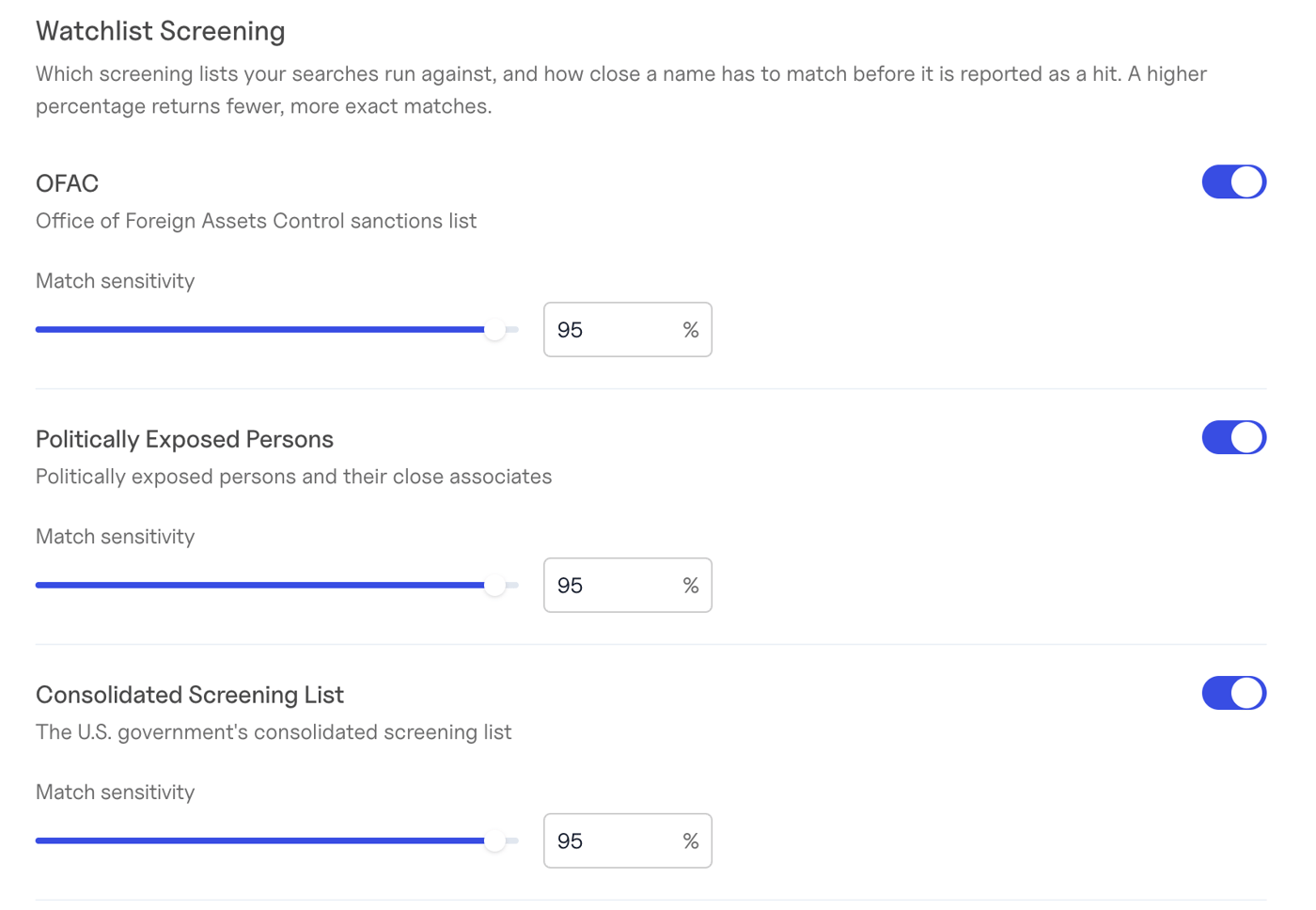
Watchlist Screening
Choose which screening lists your business searches and international business searches run against, and how close a name has to match before it is reported as a hit.
For each list you can:
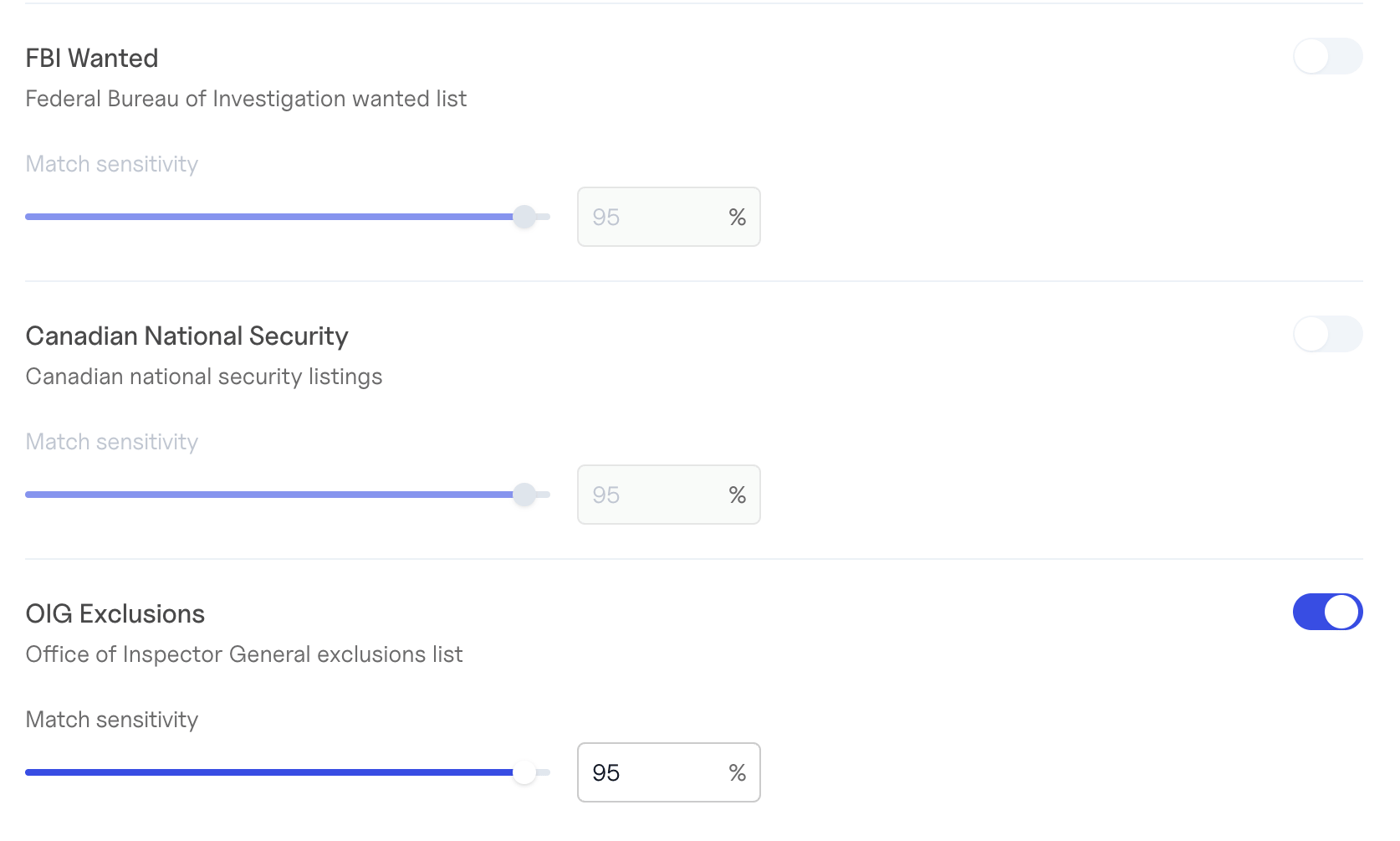
- Turn screening on or off.
- Set the match sensitivity (similarity threshold) — the minimum name similarity, as a percentage, for a match to be reported. A higher percentage returns fewer, more exact matches; a lower one catches more spelling variations but returns more potential false positives to review.
- The threshold applies to the names you submit in a search. Hits on the shared business profile (
business.watchlist_hits) are always screened at the 95% default, although lists you turn off are hidden there too. - A list you turn off is absent from
watchlist_hits, rather than shown with acountof 0. - Standalone watchlist checks don’t use these settings — you set the threshold on each request instead.
Lien Matching
By default, lien searches return liens whose debtor name exactly matches the business. You can opt in to looser matches, each of which surfaces more liens — including some that may belong to a different business:
Every option is off by default, so your results don’t change unless you turn one on.